Independent design
Brighton & beyond
30+ years of experience
Design insights / By Nick Farrow
Your PowerPoint Template Looks Great. Can Anyone Else Actually Use It?
A useful PowerPoint template needs to handle everyday content, remain easy to edit and give different people enough guidance to create consistent presentations. The real test comes when the designer hands it over.
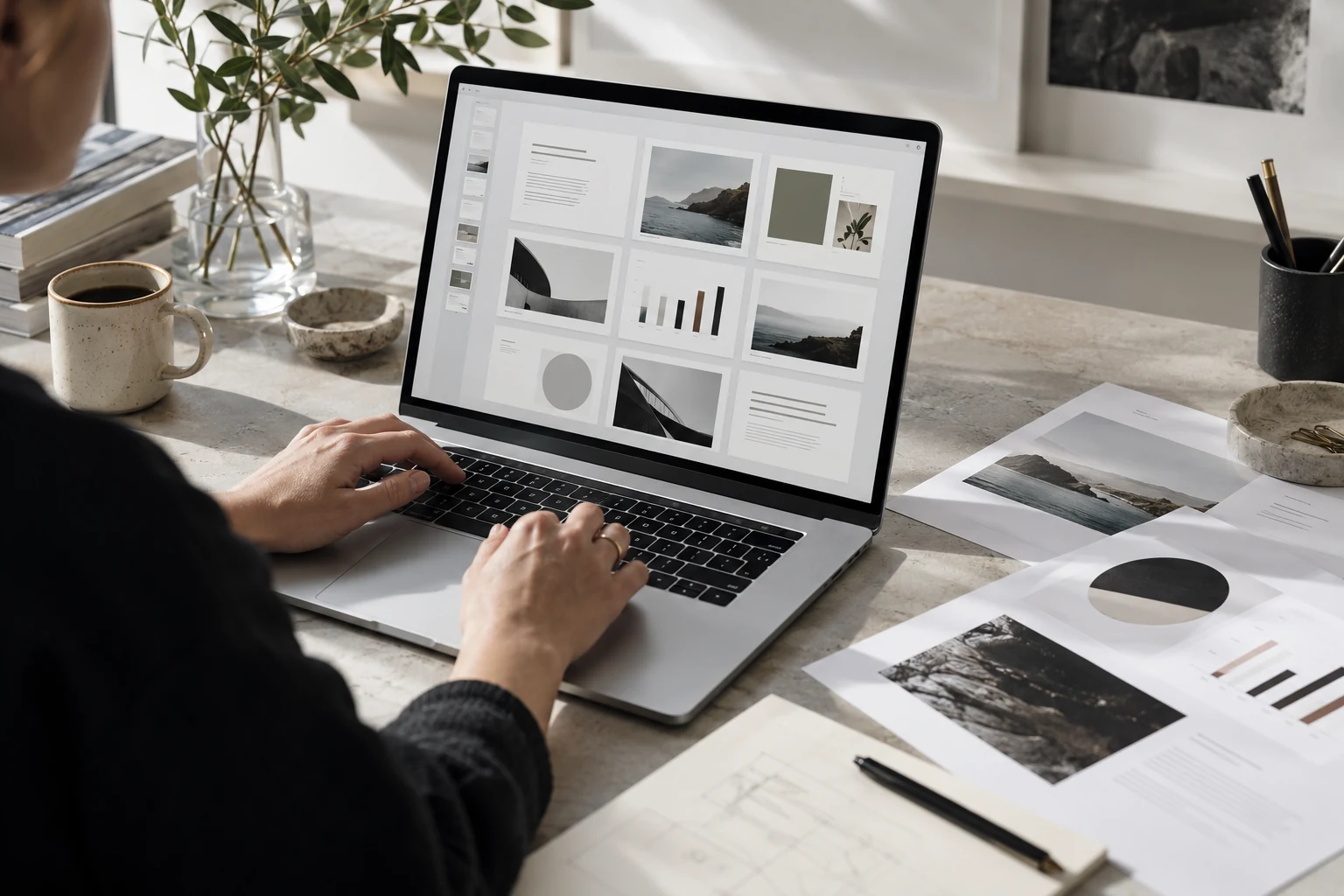
The template has been approved. The sample slides look excellent. Then someone adds a longer headline, pastes in a spreadsheet and tries to introduce a fourth team member. Suddenly, the carefully balanced layout starts to unravel.
That hypothetical scenario captures a familiar design challenge: a template can succeed as a presentation of the brand while struggling as a working tool. PowerPoint template design needs to consider both jobs from the beginning.
Design for the content people actually have
Before building layouts, ask for several real presentations. Look for repeated needs: financial tables, project timelines, customer examples, team structures and recommendations. Note the awkward content as carefully as the attractive examples.
A three-word headline and a perfect photograph will flatter almost any layout. A twelve-word heading, two qualifications and a chart with long category names provide a more useful test. The fundamentals of a good slide deck still apply, but the template must make those principles practical.
Give each layout a clear purpose
People should be able to choose a layout without guessing. Names such as “Two options”, “Key finding” and “Project timeline” communicate a purpose more clearly than “Layout 14”.
Build enough variety to support common tasks, then remove layouts that duplicate one another. Too many choices can make the system harder to understand. Include examples showing what belongs in each placeholder and what to do when the content exceeds its intended space.
Keep editing straightforward
A slide that depends on manually aligned text boxes can be difficult to maintain. Use appropriate placeholders and theme settings, and keep routine charts editable wherever possible. Explain any elements that intentionally remain fixed.
Check the fonts and software environment the team will use. A layout tested on one computer may behave differently when another person opens it. Where specialist fonts are unavailable, agree a practical alternative before handing the template over.
Test the handover before calling it finished
Ask someone who did not build the template to create a short presentation using their own content. Observe where they hesitate, improvise or accidentally break the layout. Those moments reveal where the design or guidance needs work.
A useful test includes a dense table, an unusually long title and a slide copied from an older deck. Check what happens when slides move between presentations. Fix the recurring problems, then let the person try again.
Make the guidance easy to find
A short instruction deck can explain layout selection, image cropping, chart styling and the boundaries of acceptable adaptation. It should answer everyday questions using examples rather than pages of rules.
The aim is to help people work confidently without needing a designer for every amendment. This is where presentation design becomes a repeatable system. You can explore my investor presentation design work for another view of organising complex business content.
A template earns its value through use
The strongest template is one a team can open, understand and adapt under ordinary working pressure. Review it after people have used it: repeated workarounds often point to a missing layout or unclear instruction.
If your organisation needs a more useful presentation system, discuss your PowerPoint template brief. I help agencies and in-house teams create clear presentations that support both the message and the people producing them.
Need a PowerPoint template your team can use?
I can help you turn an inconsistent slide library into a practical, editable presentation system that supports your brand and your team.
Nick Farrow · Freelance senior designer · Brighton, UK